


In my decades of driving growth across SaaS, marketplaces, and real estate, I've seen countless tech trends come and go. Artificial intelligence isn't just another trend; it's a fundamental shift in how value is created. But navigating the landscape of AI tools for business is daunting. The market is saturated with solutions promising transformation, yet many deliver only surface-level features.
The key isn't just adopting AI. It's about surgically integrating the right tools to break down internal silos, supercharge your data analytics, and create a measurable impact on revenue and EBITDA. Too often, I see teams either paralyzed by choice or investing in platforms that don't align with core business objectives, leading to wasted resources and missed opportunities.
This guide is my executive briefing to you. We will cut through the noise, moving beyond generic feature lists to provide a pragmatic, data-driven analysis of 12 powerful AI platforms. Each review includes a deep dive into ideal use cases, pricing considerations, and strategic implementation guidance, complete with screenshots and direct links to help you make informed decisions. My focus is on strategic application: how to use these tools not just for incremental efficiency gains, but to architect sustainable, scalable growth for your organization. Let’s get started.
1. AWS Marketplace
For any organization already embedded in the Amazon Web Services ecosystem, the AWS Marketplace is the most direct and efficient starting point for sourcing enterprise-grade AI tools for business. Think of it less as a simple app store and more as a strategic procurement hub. It allows technical teams to find, subscribe to, and deploy hundreds of third-party AI and machine learning models, algorithms, and SaaS products directly into their existing AWS environment. This streamlined process eliminates the friction of separate vendor negotiations and complex integration projects that often derail momentum.
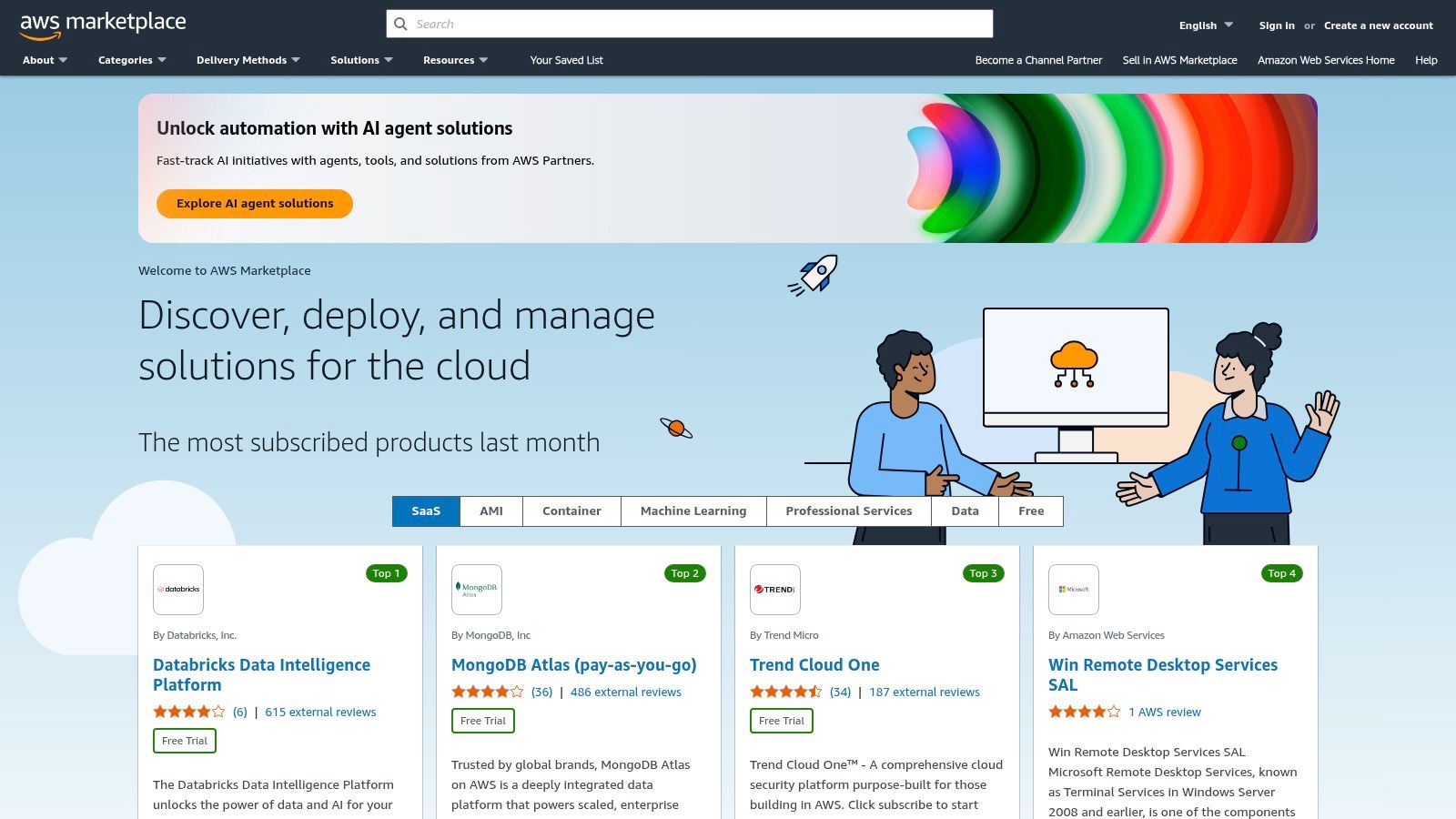
The key advantage here is operational alignment. Billing is consolidated into your existing AWS invoice, and governance controls are centralized, which is a massive win for finance and compliance teams. Instead of managing dozens of disparate contracts, everything is unified under one roof.
Use Cases & Implementation
The platform excels for teams needing to quickly experiment with and deploy specialized models. For example, a marketing analytics team can deploy a pre-trained customer churn prediction model directly into Amazon SageMaker, connect it to their data lake in S3, and have a working prototype within hours, not weeks. The user experience is geared toward a technical audience, leveraging the familiar AWS Management Console.
- Pros: Tight integration with AWS services, centralized billing, and robust enterprise procurement controls.
- Cons: Overwhelming for teams not on AWS; pricing can be complex and requires careful management to avoid unexpected costs.
Website: https://aws.amazon.com/marketplace
2. Microsoft Azure Marketplace
For businesses built on Microsoft’s technology stack, the Azure Marketplace serves as the central nervous system for discovering and deploying AI tools for business. It is much more than a software catalog; it is an integrated procurement engine designed for enterprise scale. The marketplace offers hundreds of AI solutions, from generative AI and bot services to complex machine learning operations (MLOps) platforms, all deployable with a few clicks into your Azure environment, dramatically accelerating innovation cycles.
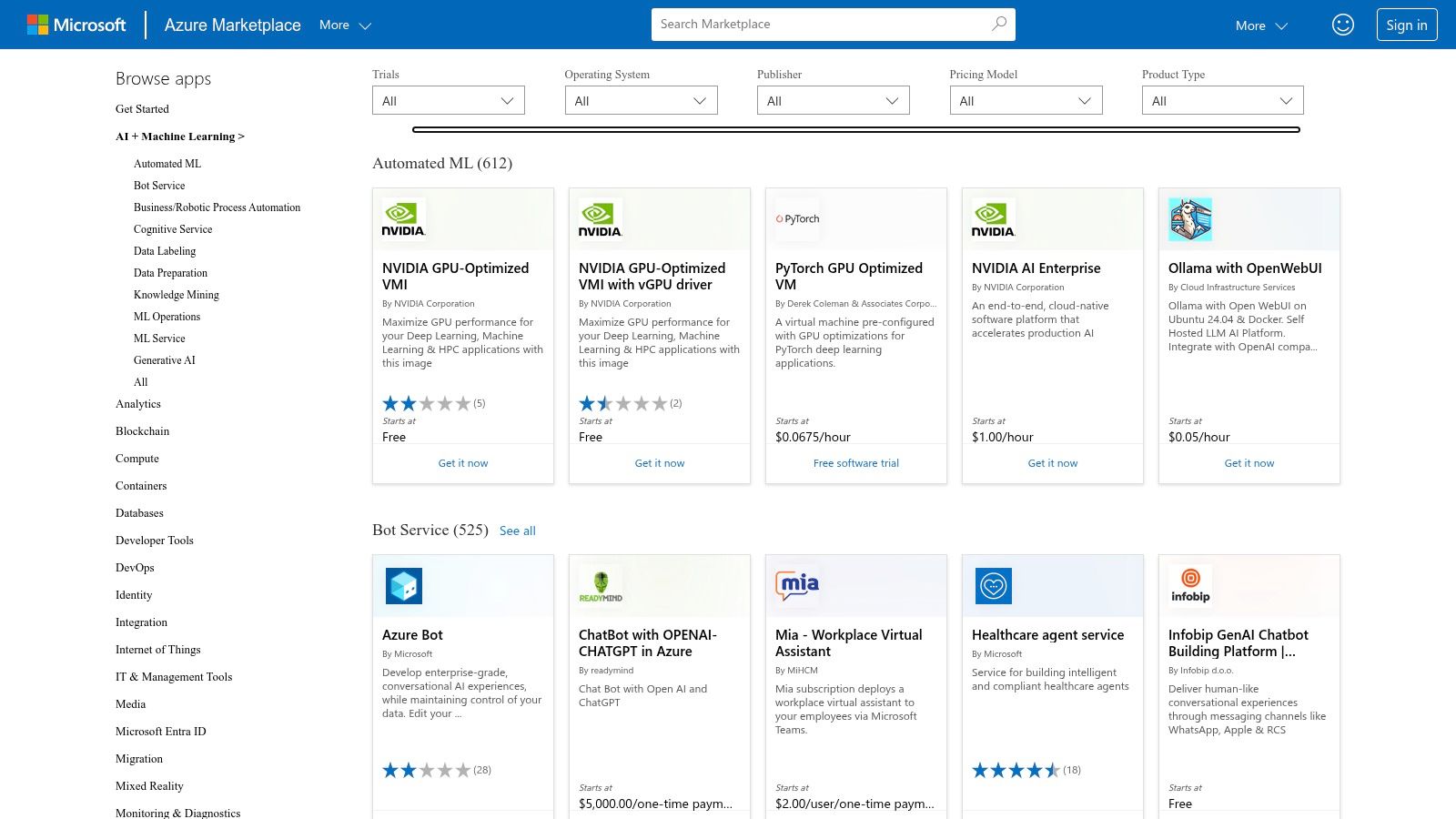
The primary benefit is governance and integration. Solutions procured through the marketplace tie directly into Azure Active Directory for identity management, Azure Cost Management for budget tracking, and existing networking policies. This creates a cohesive, secure, and financially transparent ecosystem, preventing the siloed "shadow IT" problems that often plague new technology adoption and allowing leadership to maintain clear oversight.
Use Cases & Implementation
The Azure Marketplace is ideal for organizations seeking to leverage powerful, pre-vetted AI services like Azure OpenAI or specialized vector databases such as Pinecone and Qdrant without the heavy lifting of manual setup. For instance, a development team can deploy a ready-to-use NVIDIA AI Enterprise virtual machine image to start building a computer vision model immediately. The user experience is native to the Azure Portal, making it instantly familiar to IT administrators and developers, though navigating the pricing SKUs requires careful attention.
- Pros: Deep integration with Azure governance, identity, and networking; a broad partner ecosystem with ready-to-deploy images and managed apps.
- Cons: Navigating SKUs and Azure cost drivers can be complex; some solutions still require separate vendor contracts outside the marketplace.
Website: https://azuremarketplace.microsoft.com/marketplace/apps/category/ai-plus-machine-learning
3. Google Cloud
For businesses deeply invested in data analytics and search, Google Cloud presents a mature and powerful ecosystem for leveraging enterprise-grade AI. Its core offering, Vertex AI, acts as a unified platform where teams can access, build, deploy, and scale machine learning models with impressive speed. This platform is far more than just a collection of tools; it's an integrated environment designed to bring Google’s legendary AI research directly into your business operations, especially with its native access to the Gemini family of models.
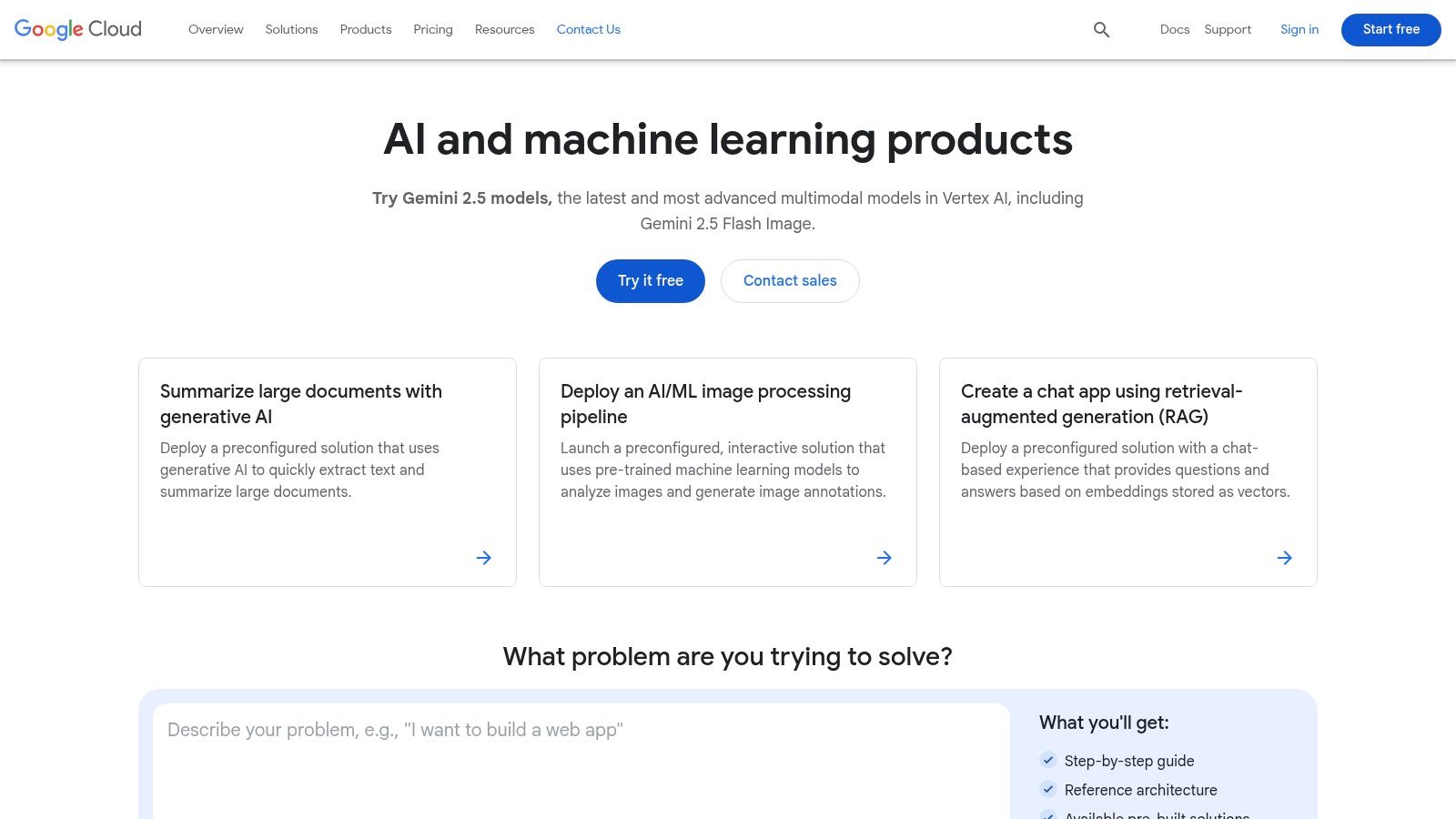
The primary advantage here is data-centric integration. Google Cloud excels at infusing AI directly into its world-class data analytics stack, including BigQuery and Looker. This allows organizations to build intelligent applications on top of their existing data infrastructure, transforming raw information into predictive insights without the heavy lifting of data migration. This approach is a cornerstone for any successful digital transformation strategy.
Use Cases & Implementation
Google Cloud shines in scenarios requiring sophisticated data analysis, search, and multimodal AI capabilities. For instance, an e-commerce company can use Vertex AI Search to create a highly advanced, conversational product discovery experience on their website. The platform’s Model Garden, featuring over 200 proprietary and open-source models, provides clear starting points and prebuilt architectures for tasks like document summarization and retrieval-augmented generation (RAG), accelerating development cycles significantly.
- Pros: Mature data analytics stack with AI-infused BigQuery and Looker; clear getting-started solutions and reference architectures.
- Cons: Pricing can be complex, spanning models, storage, and compute; effective governance might require broader adoption of Google Cloud services.
Website: https://cloud.google.com/products/machine-learning
4. Salesforce AppExchange
For businesses built around the Salesforce ecosystem, the AppExchange is the definitive marketplace for augmenting your CRM with powerful, integrated AI tools for business. It's not just an app store; it’s a strategic extension of your core operational platform. The AppExchange allows sales, marketing, and service teams to discover and deploy AI-powered applications that work natively with their existing Salesforce data and workflows, leveraging technologies like Einstein and the emerging Agentforce. This eliminates the siloed data and integration nightmares that plague disconnected tool stacks.
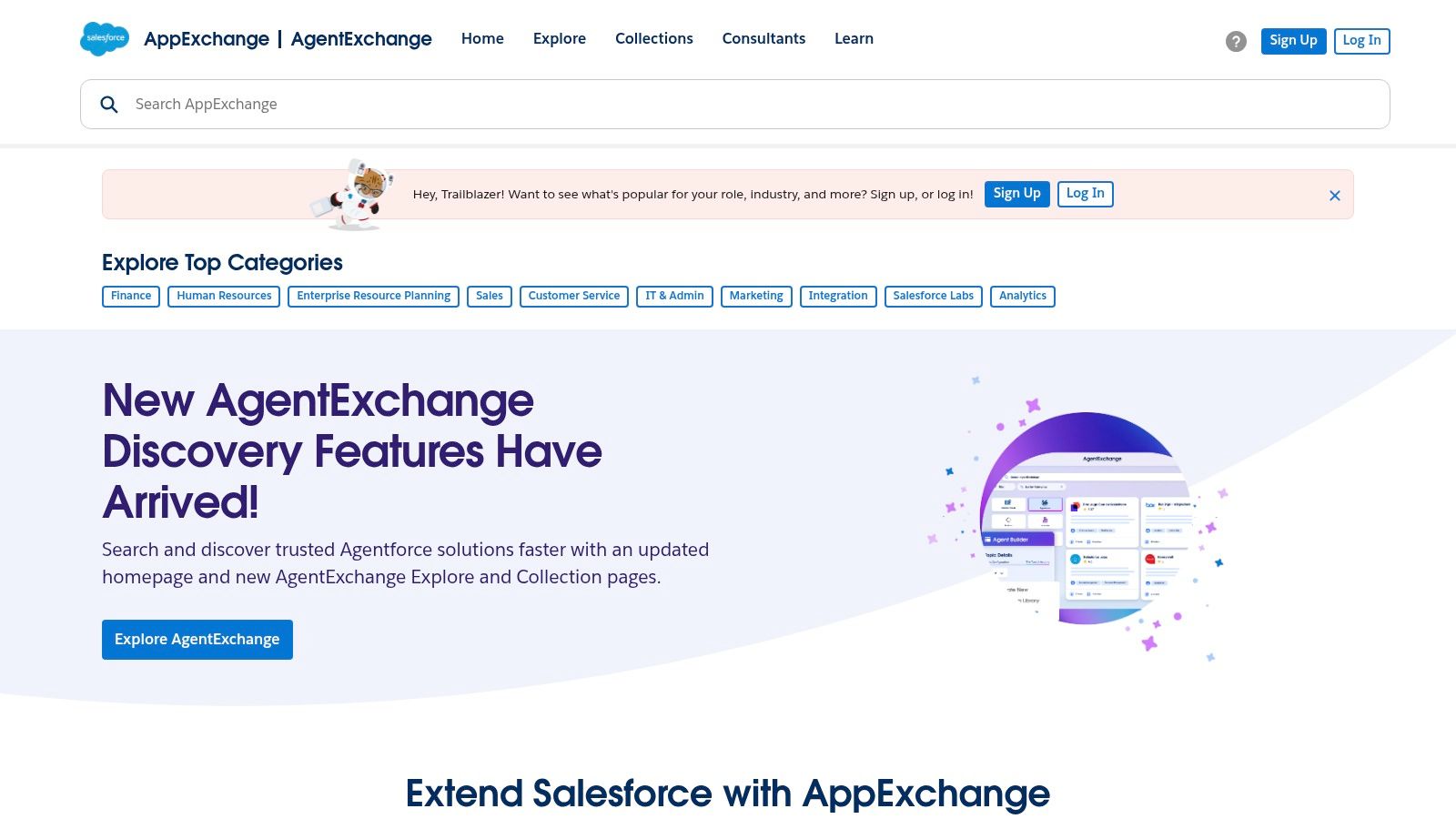
The primary advantage is contextual intelligence. The AI apps on the AppExchange are designed to understand your customer data, providing insights and automation directly within the user interface your teams already use daily. This seamless integration accelerates adoption and ensures the technology directly supports revenue-generating activities, from lead scoring to customer service bots. Procurement is also streamlined through your existing Salesforce account.
Use Cases & Implementation
The platform is ideal for teams looking to enhance their CRM without a massive technical lift. For instance, a sales team can install an AI-driven lead prioritization app that analyzes customer interaction data in Salesforce to surface the most promising opportunities automatically. Vendor pages provide demos, reviews, and implementation guides, making the evaluation process straightforward. The user experience is tailored for Salesforce admins and business users, not just developers.
- Pros: Native integration with Salesforce data and workflows, streamlined procurement, and enterprise-grade security standards.
- Cons: The value is heavily dependent on your Salesforce edition and licenses; the ongoing rebranding from Einstein to Agentforce may cause some initial confusion.
Website: https://appexchange.salesforce.com
5. OpenAI
While many platforms offer AI capabilities, going directly to the source provides a level of control and flexibility that is hard to match. OpenAI for Business isn't just about using ChatGPT; it's about leveraging their foundational models, like the GPT-4o series, as a core utility within your operations. It provides a secure, business-oriented environment with team workspaces, administrative controls, and crucial data privacy assurances, ensuring your proprietary information isn't used for model training. This makes it one of the most powerful and versatile ai tools for business available.
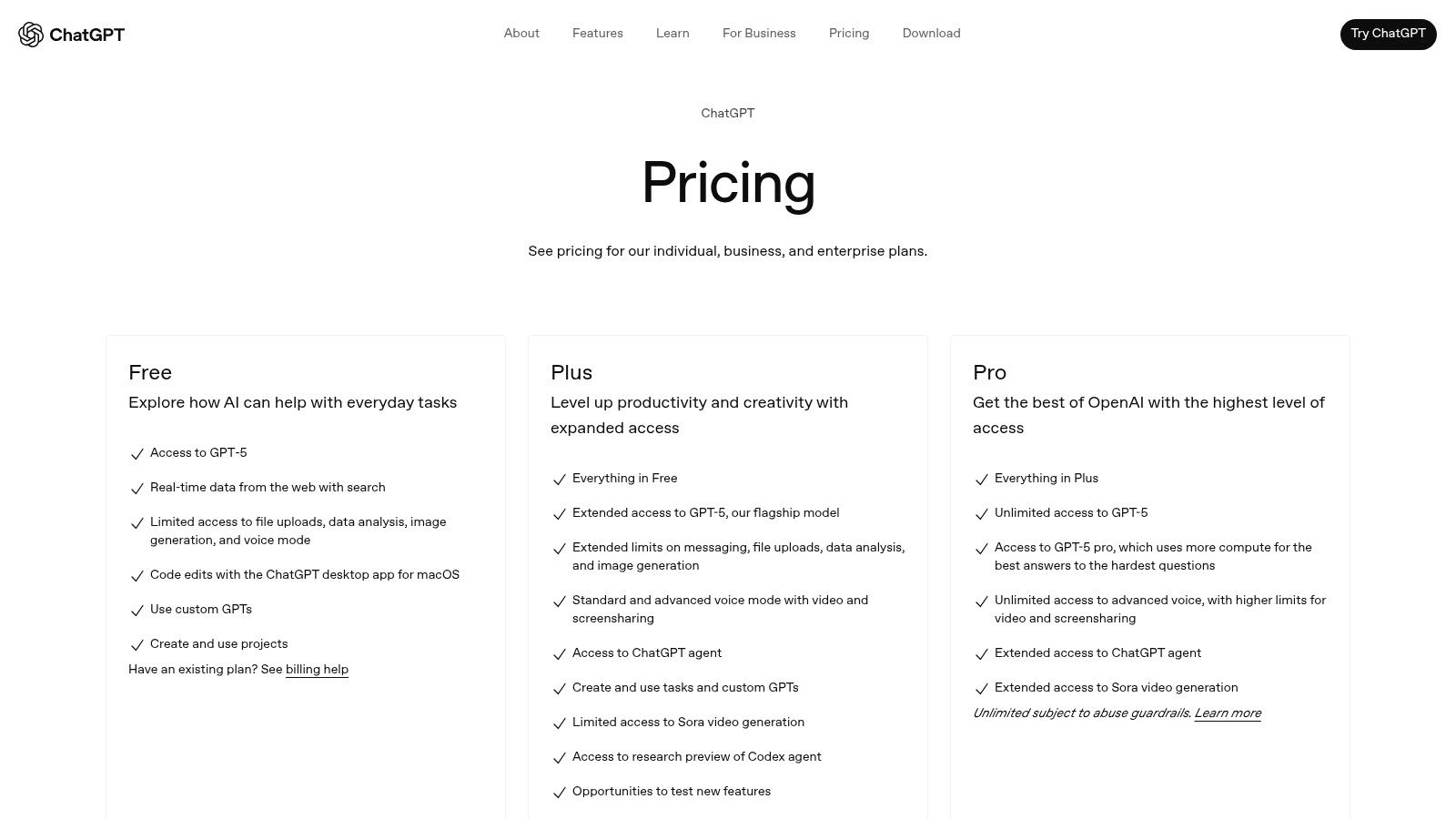
The key advantage here is direct model access. By using their API or the advanced functionality in their team plans, you can build custom applications or deeply integrate AI into existing workflows, moving far beyond simple chat-based queries. From a growth perspective, this direct access is a force multiplier, enabling you to build proprietary solutions that create a competitive moat, which is a core part of an effective SaaS marketing strategy.
Use Cases & Implementation
OpenAI excels in rapid prototyping and empowering departments to build their own solutions. A sales team could use the API to build a tool that automatically drafts personalized outreach emails based on LinkedIn profiles and company data. A support team could create an internal knowledge base assistant that provides instant, accurate answers from technical documentation. The platform offers connectors to tools like SharePoint and GitHub, allowing models to work directly with your internal data sources.
- Pros: Rapid iteration for pilot projects and department rollouts; extensive ecosystem of tutorials and integrations.
- Cons: Usage limits and model access vary depending on the plan; enterprise SLAs and data residency require purchasing the Enterprise plan.
Website: https://openai.com/pricing
6. Anthropic
Anthropic has carved out a distinct and critical niche in the AI tools for business landscape with its Claude family of models. Developed with a "safety-by-design" methodology, Claude excels at nuanced reasoning, thoughtful dialogue, and reliable instruction-following, making it a dependable choice for enterprises where brand safety and predictable outputs are non-negotiable. This focus on constitutional AI provides a layer of trust, ensuring that internal and external-facing applications align with core business principles.
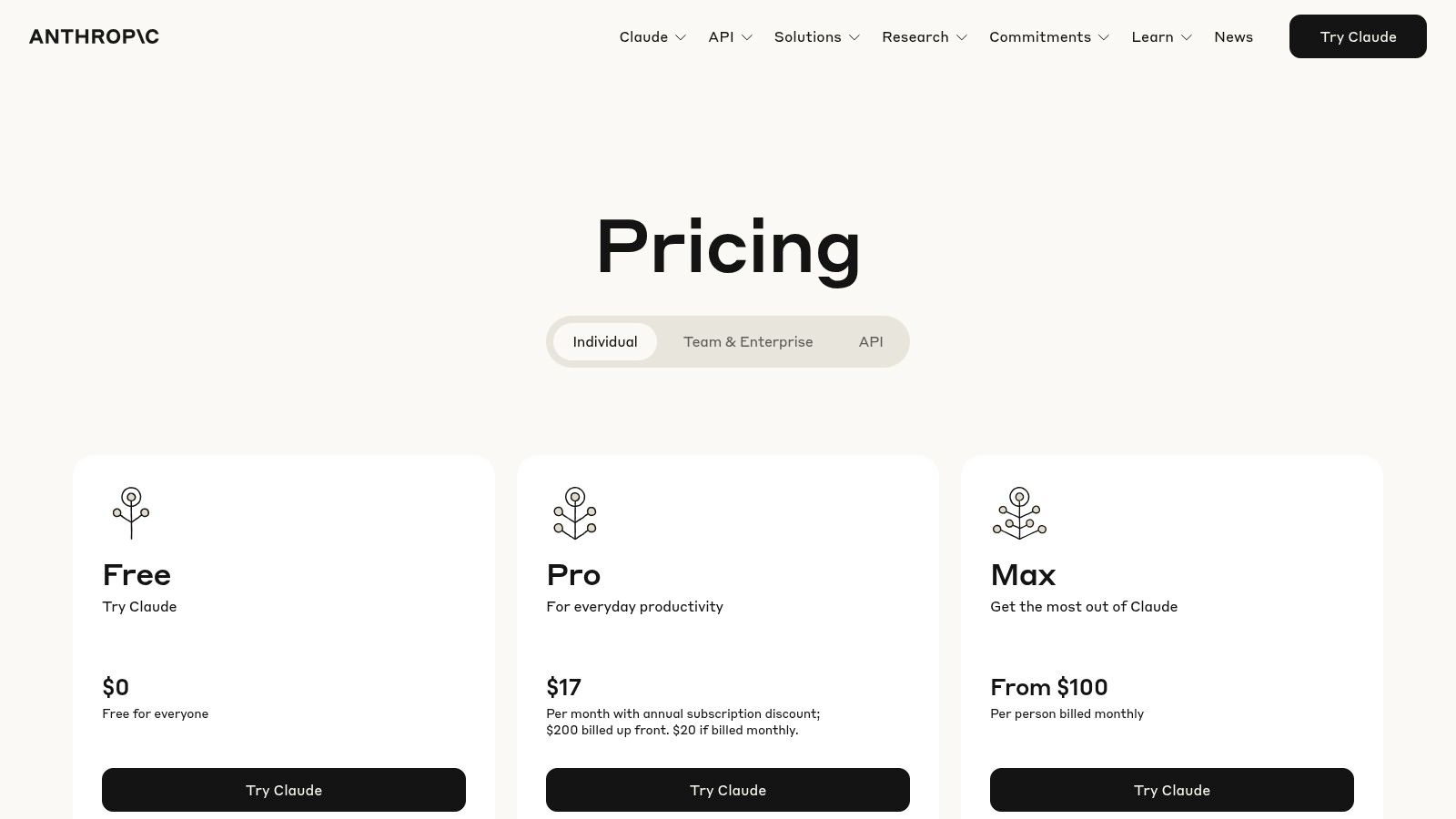
The key advantage here is responsible scaling. Where other models might require extensive post-processing and guardrails, Anthropic's approach front-loads safety, reducing the risk of generating off-brand or problematic content. This is a massive strategic benefit for teams in legal, HR, and customer support who need to deploy AI confidently.
Use Cases & Implementation
Anthropic is ideal for complex, multi-step workflows that require sophisticated reasoning and analysis. For instance, a legal team could use Claude to analyze and summarize thousands of pages of discovery documents, asking it to identify specific clauses and potential risks with a high degree of accuracy. The user interface is a clean, chat-based system accessible via web and mobile, making it intuitive for non-technical users, while the API allows for deep integration into proprietary systems. The platform's ability to analyze images and documents directly within the chat enhances its utility for finance, research, and creative teams.
- Pros: Strong reputation for safety and reliable instruction-following, clear and tiered pricing, and powerful multi-modal analysis capabilities.
- Cons: Team plans have a minimum seat requirement of five users, which may be a barrier for smaller teams or startups.
Website: https://www.anthropic.com/pricing
7. Microsoft 365 Copilot
For the vast majority of businesses already operating within the Microsoft ecosystem, Copilot isn't just another tool; it's a fundamental upgrade to the very fabric of daily work. It embeds a powerful AI assistant directly into the applications teams use constantly: Outlook, Teams, Word, Excel, and PowerPoint. This approach removes the friction of context-switching to a separate AI platform, making it one of the most practical and immediately applicable AI tools for business productivity. The real power comes from its ability to reason across your entire universe of internal data, your "Microsoft Graph," including emails, chats, documents, and calendar events.
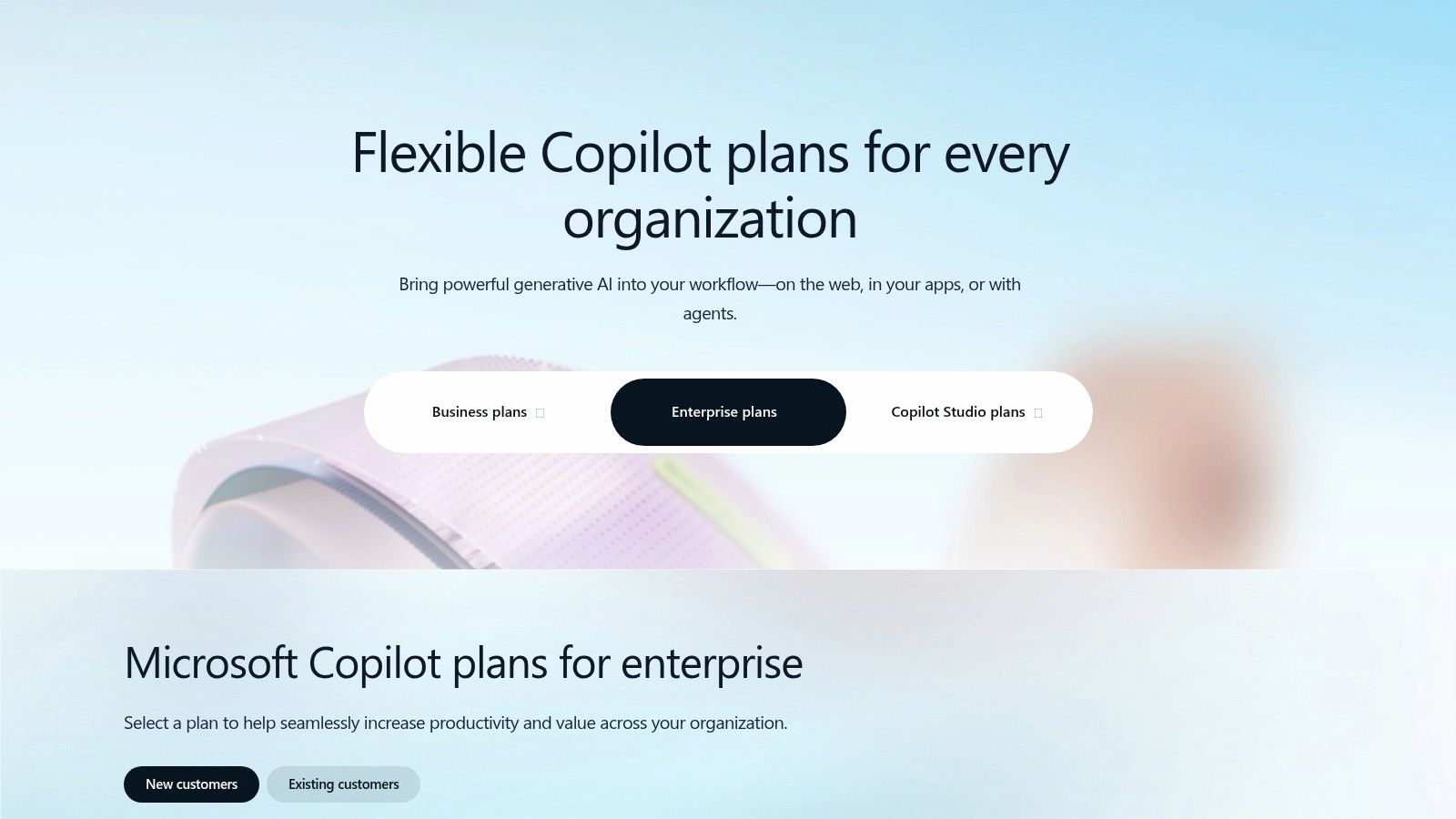
The key advantage here is workflow integration. It's not about learning a new app; it's about making the apps you already own exponentially more powerful. Because it’s built on Microsoft’s enterprise-grade cloud, it inherits the security, compliance, and identity management controls your IT team already has in place, a critical factor for any organization handling sensitive data.
Use Cases & Implementation
Copilot excels at accelerating routine knowledge work and synthesizing information. A project manager can ask it to summarize all communications and action items related to a specific project from the past week, and it will pull data from Teams chats, Outlook emails, and Word documents to generate a concise brief. The user experience is conversational and integrated directly within the app UIs. Implementation requires an eligible Microsoft 365 E3 or E5 license, and successful adoption hinges on strong change management to teach employees how to shift their workflows to leverage its capabilities effectively.
- Pros: Seamlessly embedded in familiar productivity apps, strong enterprise security and compliance posture, and reasons across your own business data.
- Cons: Requires a qualifying Microsoft 365 plan; demonstrating clear ROI depends heavily on user enablement and process change.
Website: https://www.microsoft.com/en-us/microsoft-365/copilot/pricing/enterprise
8. Google Workspace – Gemini for Business/Enterprise
For the millions of businesses operating within the Google ecosystem, Gemini for Workspace is less an add-on and more of a native intelligence upgrade. It embeds generative AI directly into the tools your teams use every day: Gmail, Docs, Sheets, and Meet. This isn't about switching to a new platform; it’s about amplifying productivity within the existing digital workplace, making it one of the most frictionless AI tools for business adoption. The focus is on immediate, practical application, turning routine tasks into AI-assisted workflows.
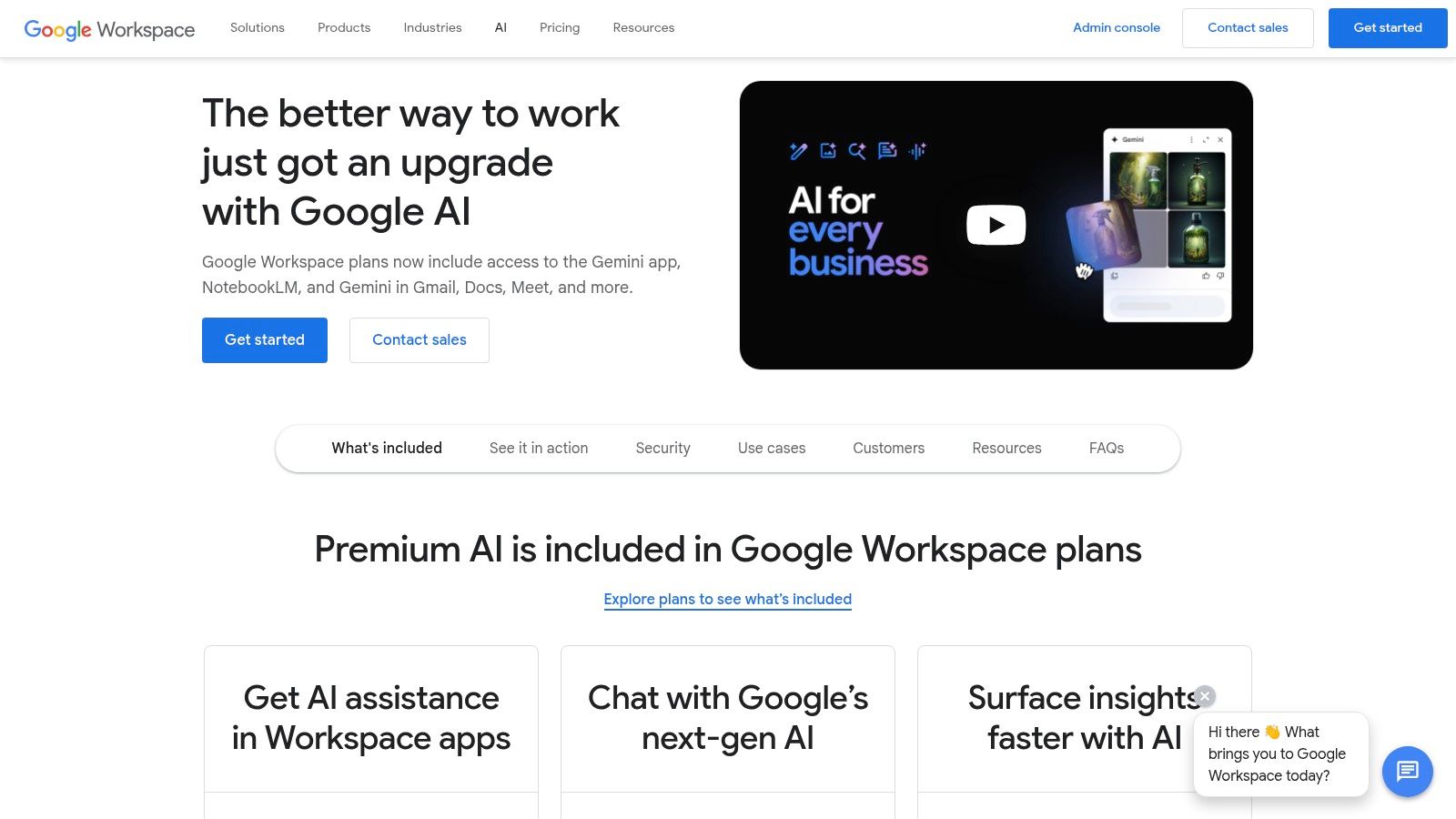
The primary advantage is contextual integration. Instead of context-switching to a separate AI tool, Gemini's capabilities are right where the work happens. This dramatically lowers the barrier to entry for non-technical users and ensures that administrative controls, data privacy, and security align with your existing Workspace governance policies, a critical factor for any CTO or compliance officer.
Use Cases & Implementation
This platform shines in accelerating content creation and data synthesis. A sales team can use it in Google Docs to draft a proposal from a simple prompt, then switch to Gmail to summarize a long email thread for a quick briefing. In Sheets, it can help organize and analyze customer feedback data instantly. Implementation is a straightforward add-on subscription for existing Workspace accounts, managed through the standard Admin Console.
- Pros: Seamless integration for organizations already using Google Workspace; transparent per-user add-on pricing.
- Cons: Heavy users may require the Enterprise plan for higher usage limits; requires an underlying Workspace subscription to function.
Website: https://workspace.google.com/solutions/ai/
9. Slack
While many view Slack primarily as a communication tool, its recent AI enhancements have transformed it into an essential platform for operational intelligence and productivity. The real power isn't just in sending messages; it's in using AI to extract signal from noise. For businesses already using Slack, activating these features is a low-friction way to introduce practical AI that solves the universal problem of information overload. It’s one of the most effective AI tools for business because it improves a process everyone already participates in.
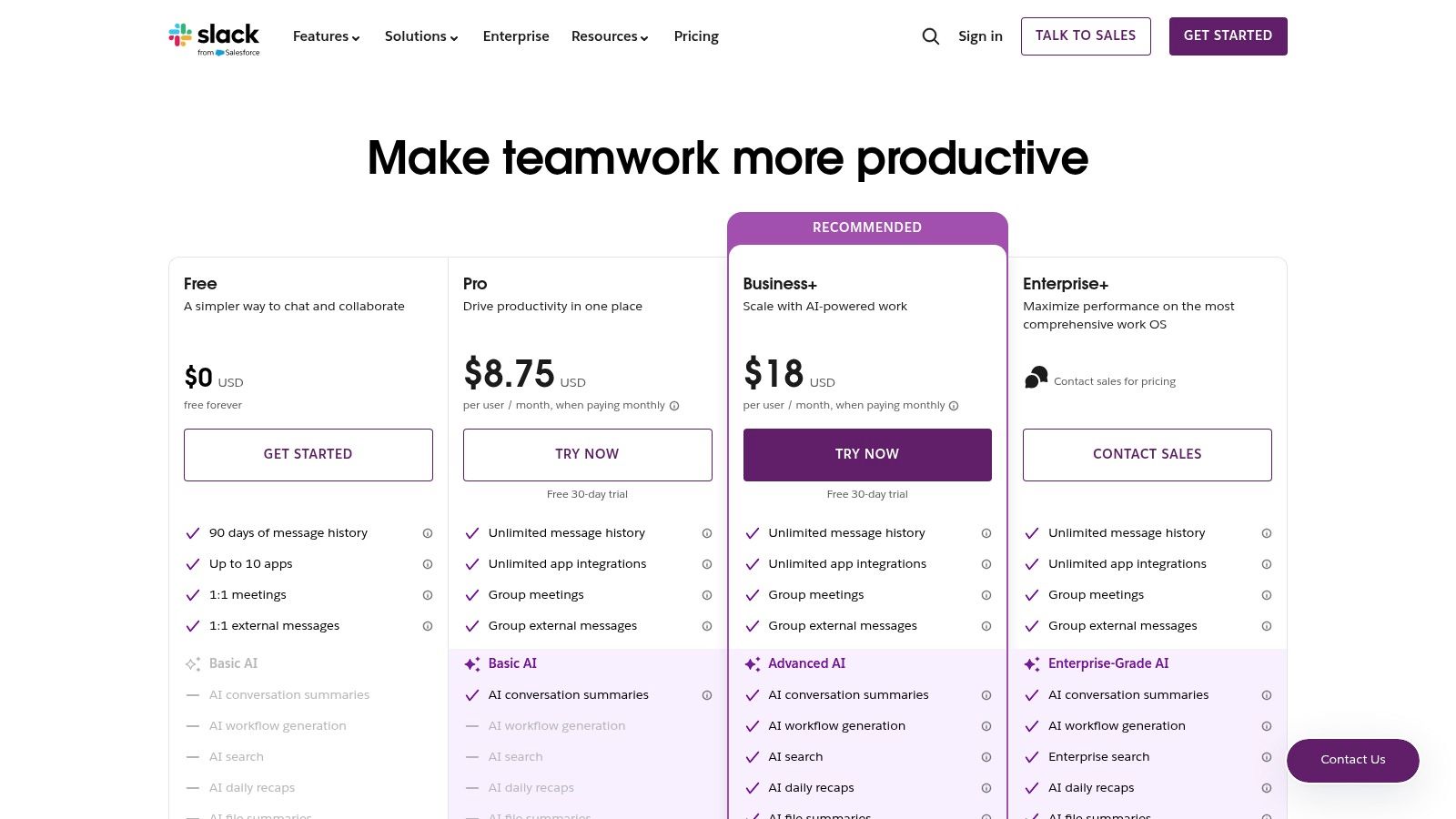
The key advantage here is contextual efficiency. Instead of employees wasting time catching up on long threads or missed meetings, Slack AI provides instant summaries, recaps, and action items directly within their workflow. This drastically reduces the time spent on administrative catch-up and refocuses teams on execution.
Use Cases & Implementation
Slack AI excels at automating documentation and knowledge sharing. For instance, after a project kickoff call in a channel, a project manager can use the AI to generate a concise summary and list of action items, pinning it for visibility. This ensures alignment without manual note-taking. Implementation is straightforward, but its value is unlocked through cultural adoption, requiring leadership to champion its use for meeting notes and channel recaps. The more advanced features, including AI-powered search and workflow generation, are gated behind Business+ and Enterprise tiers.
- Pros: Improves signal-to-noise ratio in busy communication channels; automates meeting documentation with AI-generated notes and summaries.
- Cons: Advanced AI features require Business+ or higher plans; admin change management is needed to maximize value from AI capabilities.
Website: https://slack.com/pricing
10. Adobe for Business
For creative, marketing, and design teams, integrating AI shouldn't mean abandoning the tools they’ve mastered. Adobe for Business bridges this gap by embedding its Firefly generative AI directly into the Creative Cloud ecosystem. This isn't a separate, standalone tool; it’s a powerful enhancement to familiar applications like Photoshop and Illustrator, designed to accelerate creative workflows without disrupting them. The platform is built for commercial safety, offering IP indemnification for specific AI-generated outputs.
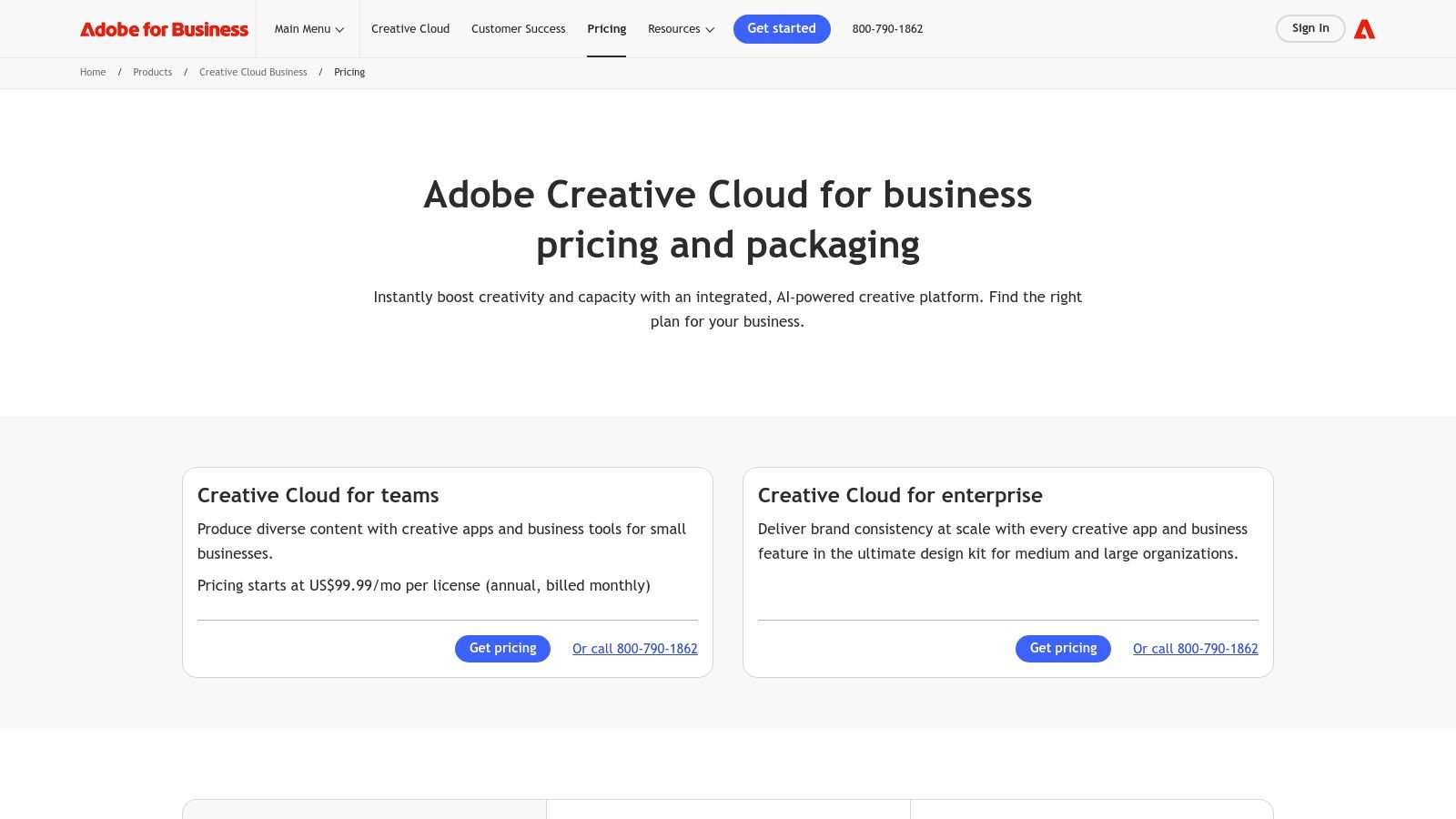
The primary advantage is workflow continuity. Instead of exporting assets to a third-party AI tool and re-importing them, teams can use features like Generative Fill in Photoshop or Generative Recolor in Illustrator natively. This integration is managed under a business-centric framework that includes enterprise-level asset management, licensing, and a system of generative credits, which are pooled across the organization for flexible use.
Use Cases & Implementation
Adobe for Business is ideal for in-house creative teams or marketing agencies needing to scale content production while maintaining brand consistency and legal compliance. A marketing team, for instance, can use Firefly to rapidly generate dozens of on-brand background variations for a product photoshoot directly within Photoshop, saving immense time. Implementation is seamless for existing Creative Cloud for Business users, with admins managing access and credit allocation through the Adobe Admin Console.
- Pros: Familiar creative tools enhanced with generative AI, comprehensive enterprise governance and asset management, and built-in commercial use rights.
- Cons: Credit-based usage may require careful monitoring for heavy-use teams; certain features and indemnification terms can vary by plan and region.
Website: https://business.adobe.com/products/creativecloud-business/pricing.html
11. Shopify App Store
For e-commerce businesses operating on the Shopify platform, the App Store is the central nervous system for deploying powerful AI tools for business directly into their operational workflow. It's not just a directory; it's an integrated ecosystem where merchants can discover, vet, and install AI-powered applications with a single click. This model dramatically lowers the barrier to entry, allowing even small DTC brands to leverage sophisticated AI for personalization, customer service, and operational efficiency without needing a dedicated engineering team.
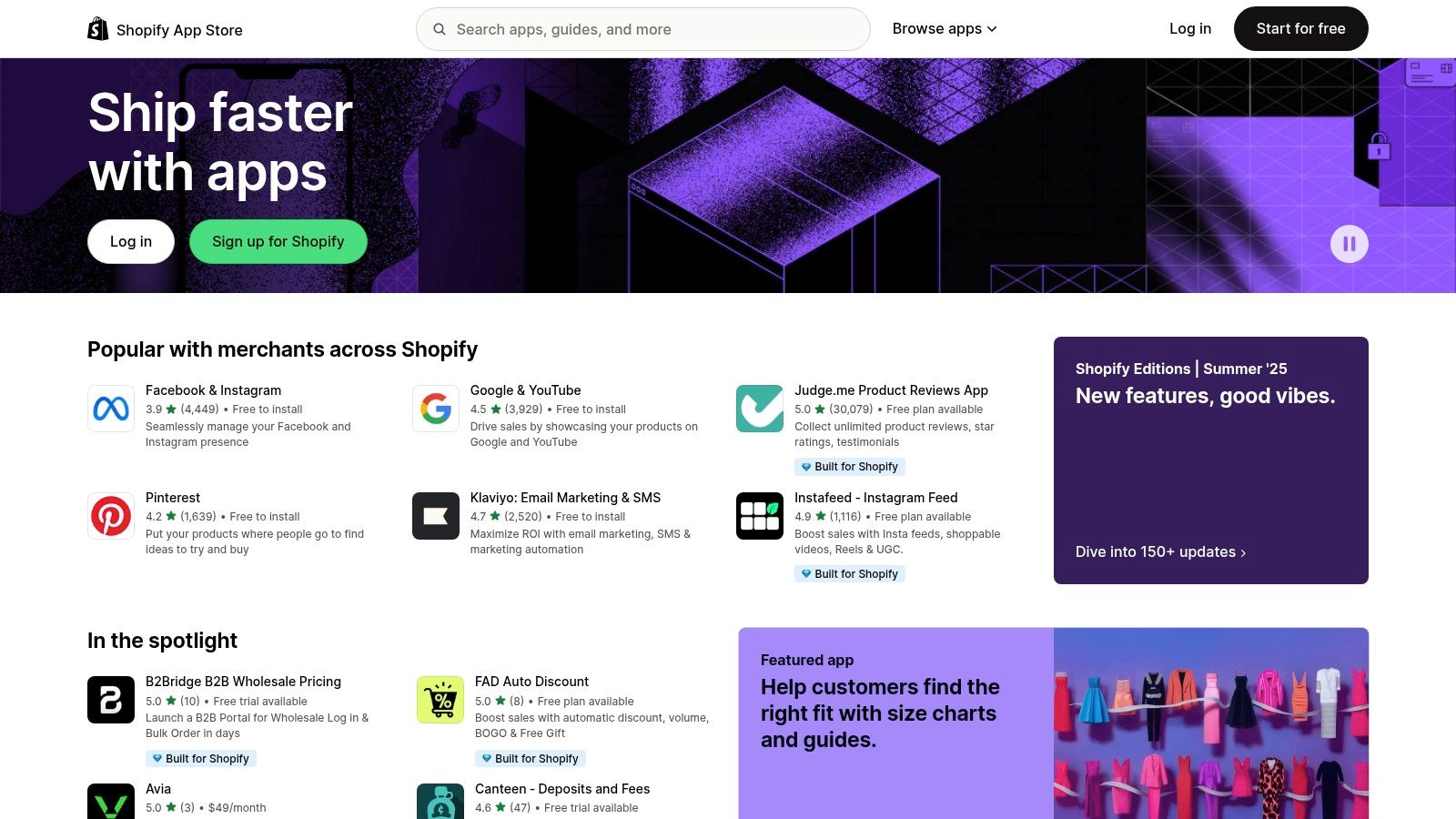
The primary advantage is speed to value. Instead of lengthy procurement cycles and complex API integrations, a merchant can deploy a new AI-powered chatbot or a product recommendation engine in minutes. Billing is unified through the Shopify subscription, and the user reviews and curated collections provide a layer of social proof and guidance that is essential for making quick, informed decisions.
Use Cases & Implementation
The platform is purpose-built for rapid experimentation to drive key e-commerce metrics like conversion rate and average order value. A marketing manager can install an AI-driven SEO app to automate meta descriptions and alt text, or deploy a dynamic pricing tool to optimize revenue in real-time. The user experience is designed for non-technical business owners, with simple one-click installations and intuitive dashboards directly within the Shopify admin panel.
- Pros: Seamless integration with Shopify stores, enables rapid experimentation, and many apps offer free plans or trials to test value.
- Cons: Quality and effectiveness vary significantly by vendor, requiring due diligence. Stacking multiple apps can lead to compounded costs and potential site speed issues.
Website: https://apps.shopify.com
12. Zapier
For businesses aiming to democratize AI without writing a single line of code, Zapier has evolved from a simple integration tool into a powerful no-code automation platform. It now enables teams to build and deploy AI agents that connect thousands of business applications, executing multi-step tasks across a company's software stack. This makes it one of the most accessible AI tools for business, particularly for SMBs and departments lacking dedicated engineering resources. It transforms complex workflow automation from a development project into a simple, visual process.
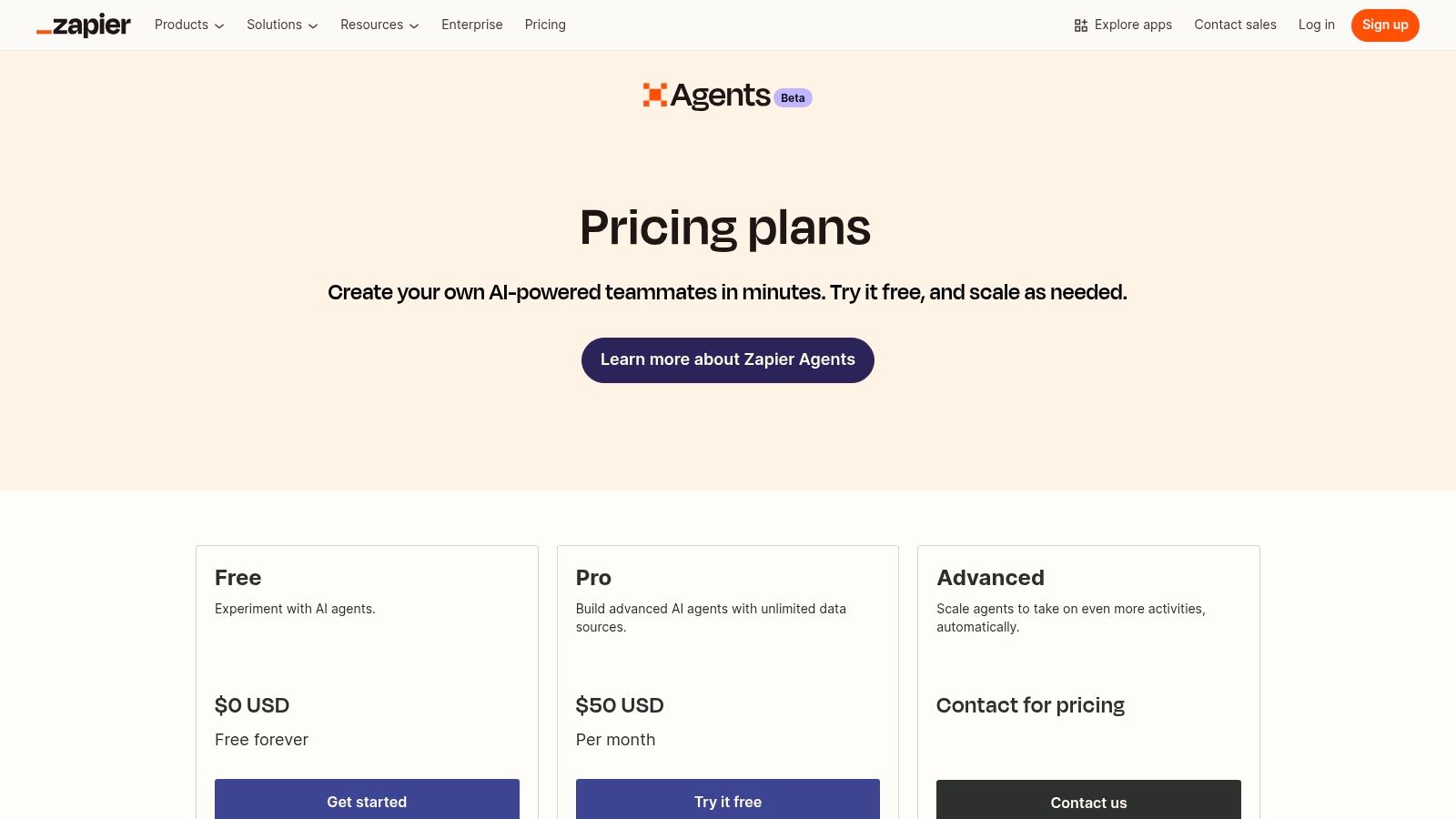
The core advantage is its unmatched connectivity. By leveraging Zapier’s enormous catalog of app integrations, an AI agent can perform tasks like looking up customer data in a CRM, summarizing it, and then drafting a personalized email in Gmail. This seamless interaction between disparate systems is what unlocks immediate value and makes it a cornerstone for teams looking into business process automation.
Use Cases & Implementation
The platform is ideal for automating routine yet crucial operational tasks. A sales team could build an agent that monitors new leads in a spreadsheet, automatically researches the lead's company using a web search, and adds the enriched data back to the CRM. The interface is entirely no-code, with a Chrome extension providing quick access to agents for on-the-fly task execution. Agents operate with a budget of "activities," which are consumed for tasks like web browsing or running other Zaps.
- Pros: Extremely low barrier to entry thanks to its no-code approach; leverages Zapier’s massive integration library for wide-ranging connectivity.
- Cons: The activities-based quota requires careful monitoring to manage costs; highly complex or mission-critical automations may strain the limits of a no-code platform.
Website: https://zapier.com/l/central-pricing
AI Business Tools: Feature & Pricing Overview
| Platform | Core Features / Integration | User Experience / Quality ★★★★☆ | Value Proposition 💰 | Target Audience 👥 | Unique Selling Points ✨ | Price Points 💰 |
|---|---|---|---|---|---|---|
| AWS Marketplace | AI/ML products integrated with AWS services | Enterprise-grade controls, detailed reviews | Enterprise procurement, consolidated billing | AWS-centric enterprises | Tight AWS integration, diverse AI/ML catalog | Variable vendor pricing, enterprise focused |
| Microsoft Azure Marketplace | Generative AI, cognitive services on Azure | Broad partner ecosystem, strong governance | Enterprise controls, private offers | Azure users & enterprises | Deep Azure ecosystem integration | Complex SKU pricing, enterprise tiered |
| Google Cloud | Vertex AI, Gemini models, 200+ models | Mature analytics stack, clear reference arch. | Credits for new users, wide AI use cases | Data-driven enterprises, AI developers | Proprietary & open-source model Garden | Multi-service cost structure |
| Salesforce AppExchange | AI apps embedded in Salesforce CRM | Native CRM workflows, demos & reviews | Procurement via Salesforce, partner implement. | Salesforce customers | Built for Salesforce CRM context | Depends on Salesforce licenses |
| OpenAI | ChatGPT, team collaboration, multimodal models | Extensive tutorials, rapid iteration | API access, enhanced privacy controls | Teams & developers | Multimodal models, default data privacy | Tiered plans, Enterprise SLA available |
| Anthropic | Claude AI chat models with safety focus | Strong safety, tiered scalable pricing | Transparent pricing, centralized admin | Teams & enterprises | Safety-by-design, extended complex workflows | Minimum 5 users on team plans |
| Microsoft 365 Copilot | AI embedded in MS 365 apps, custom agents | Familiar apps, enterprise-grade security | Productivity AI embedded in existing workflows | Microsoft 365 users | Copilot Studio for custom AI agents | Requires Microsoft 365 license |
| Google Workspace – Gemini | AI tools integrated across Workspace apps | Seamless integration, transparent add-on | Enterprise privacy and admin controls | Google Workspace organizations | Advanced meeting AI, enterprise-grade security | Per-user add-on pricing |
| Slack | AI for collaboration, summaries, workflow | Improves communication noise, AI meeting notes | AI features scale with plans | Collaboration teams | Salesforce integrations, AI-powered recaps | Advanced AI in higher tiers |
| Adobe for Business | Firefly generative AI with Creative Cloud | Familiar tools enhanced with generative AI | Enterprise asset management, IP indemnification | Creative enterprises | Generative credits, Adobe Stock integration | Credit-based usage limits |
| Shopify App Store | Curated AI ecommerce apps, 1-click install | Many free trials, verified reviews | Rapid ecommerce experimentation | Ecommerce merchants | Wide range of AI ecommerce tools | Vendor pricing varies, potential stacking |
| Zapier | No-code AI agent automation platform | Easy to start, broad integrations | Connects thousands of apps, no-code approach | SMBs, non-engineering teams | Web-enabled agents, Chrome extension access | Usage quotas, scalable plans |
From Tools to Transformation: Your AI-Powered Growth Roadmap
We've navigated a complex landscape, from the foundational infrastructure of AWS, Microsoft Azure, and Google Cloud to the specialized ecosystems of Salesforce and Shopify, and the generative powerhouses of OpenAI and Anthropic. The sheer volume of ai tools for business can feel overwhelming, but the core takeaway is simple: technology is a means to an end, not the destination itself. The most sophisticated algorithm is useless without a clear business problem to solve. True transformation doesn't come from the tools themselves, but from the strategic intelligence with which they are deployed.
Across my career, I've seen countless technology initiatives fail not because the software was inadequate, but because the strategy was absent. The real work begins after you select a tool. It lies in breaking down the traditional silos between marketing, sales, product, and customer service to create a cohesive, AI-augmented growth engine. The tools we’ve discussed are merely catalysts for this essential, cross-functional integration.
Your Actionable AI Implementation Framework
Adopting AI is not a single event; it is an iterative process. Avoid the temptation to launch a massive, company-wide overhaul from day one. Instead, focus on building momentum through a series of strategic, well-defined wins.
Here is a practical roadmap to get started:
- Identify a High-Impact Pilot Project: Start small and focused. Pinpoint a specific, measurable bottleneck in your operations. Is it the time it takes to qualify sales leads? The cost of creating marketing content? The accuracy of your inventory forecasting? Choose one metric to improve.
- Select the Right Tool for the Job: Refer back to the tools in this guide. If your goal is to automate complex workflows between disparate systems, a tool like Zapier is your starting point. If you need to empower your sales team within their existing CRM, exploring the Salesforce AppExchange is the logical next step. Match the tool's core strength to your specific KPI.
- Measure, Learn, and Iterate: This is the heart of a data-driven culture. Define your baseline metric before implementation and track it relentlessly afterward. Did the tool deliver the expected ROI? What were the unforeseen challenges? Gather these learnings and use them to refine your approach before scaling.
- Champion Cross-Functional Adoption: True growth is unlocked when data and insights flow freely across departments. A marketing team using an AI content tool should be sharing performance data with the sales team. A customer service team using an AI chatbot should be feeding insights back to the product development team. Leadership must champion this collaborative mindset.
The Human Element in an AI-Driven World
The final, and most critical, factor is culture. Implementing powerful ai tools for business requires a shift in how your teams work and think. It's about augmenting human expertise, not replacing it. Your goal is to free your most valuable people from repetitive, low-value tasks so they can focus on strategy, creativity, and building customer relationships.
This requires clear communication from leadership, investment in training, and a willingness to embrace experimentation. The platforms we've explored provide the raw capability, but it is your leadership that must provide the vision, cultivate the culture, and drive the alignment to turn that potential into tangible market share and bottom-line results. The journey from simply using tools to achieving a genuine business transformation is a strategic one, and it begins now.
Navigating this transformation requires more than just technology; it demands a strategic partner who understands how to connect AI implementation directly to revenue growth. At MGXGrowth, we specialize in building these AI-enabled growth roadmaps, ensuring your technology investments translate into measurable business outcomes. If you're ready to move from concept to execution and architect the next stage of your company's growth, let's connect.
